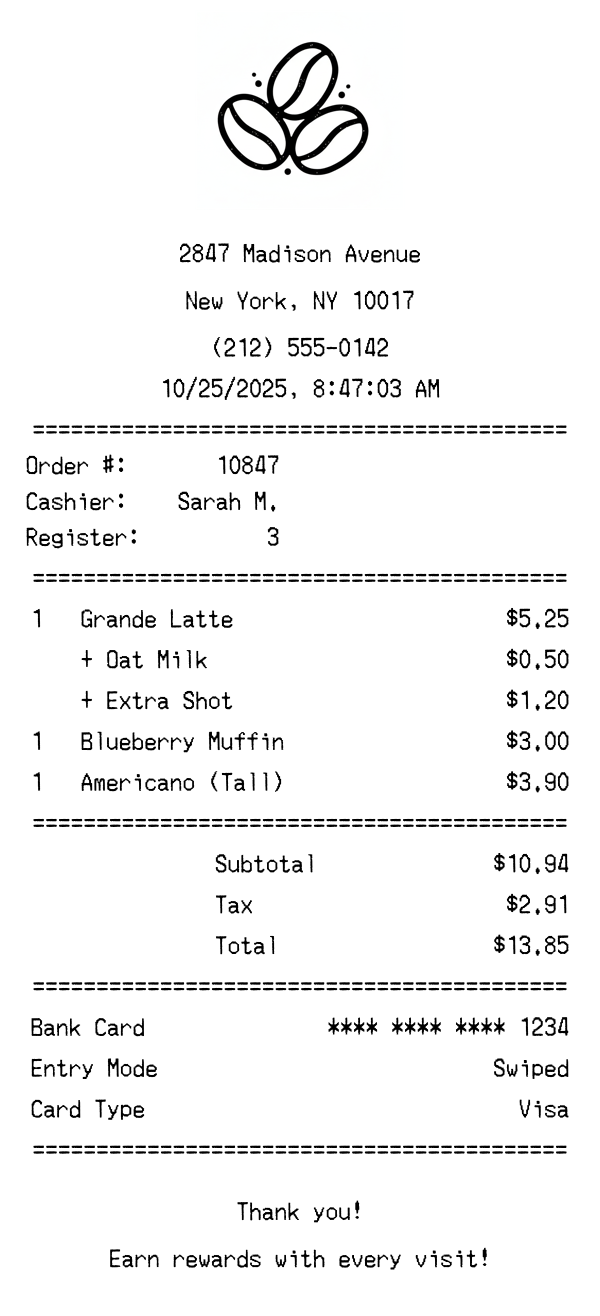
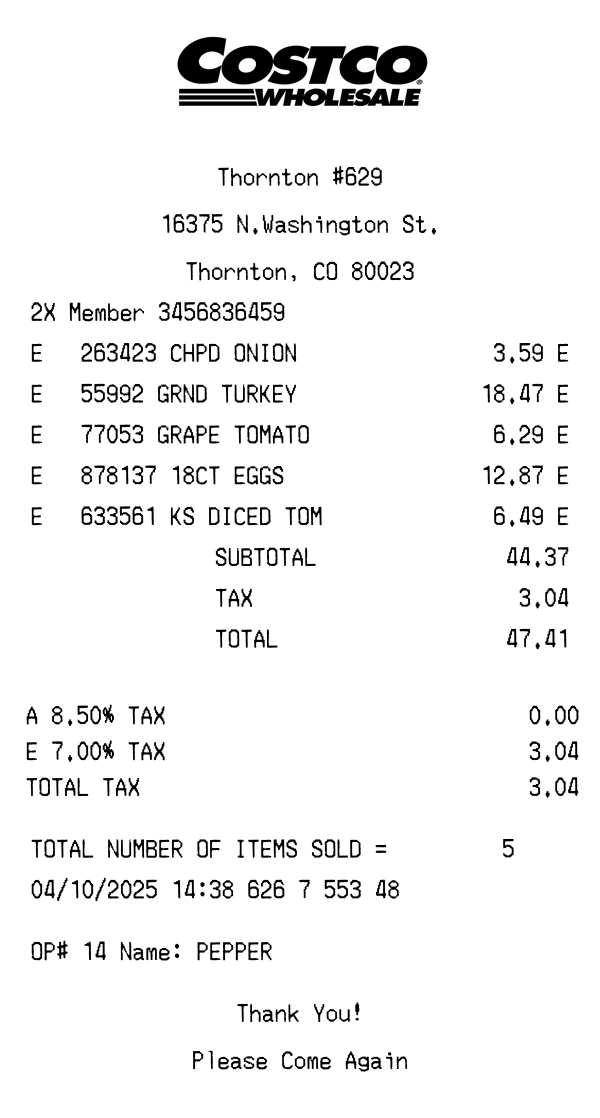
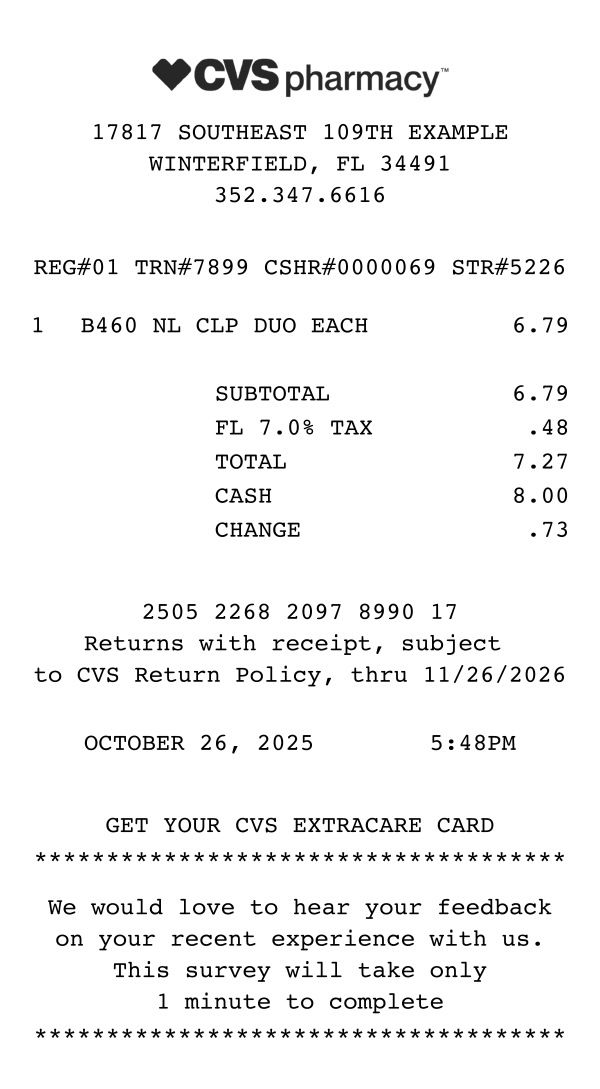
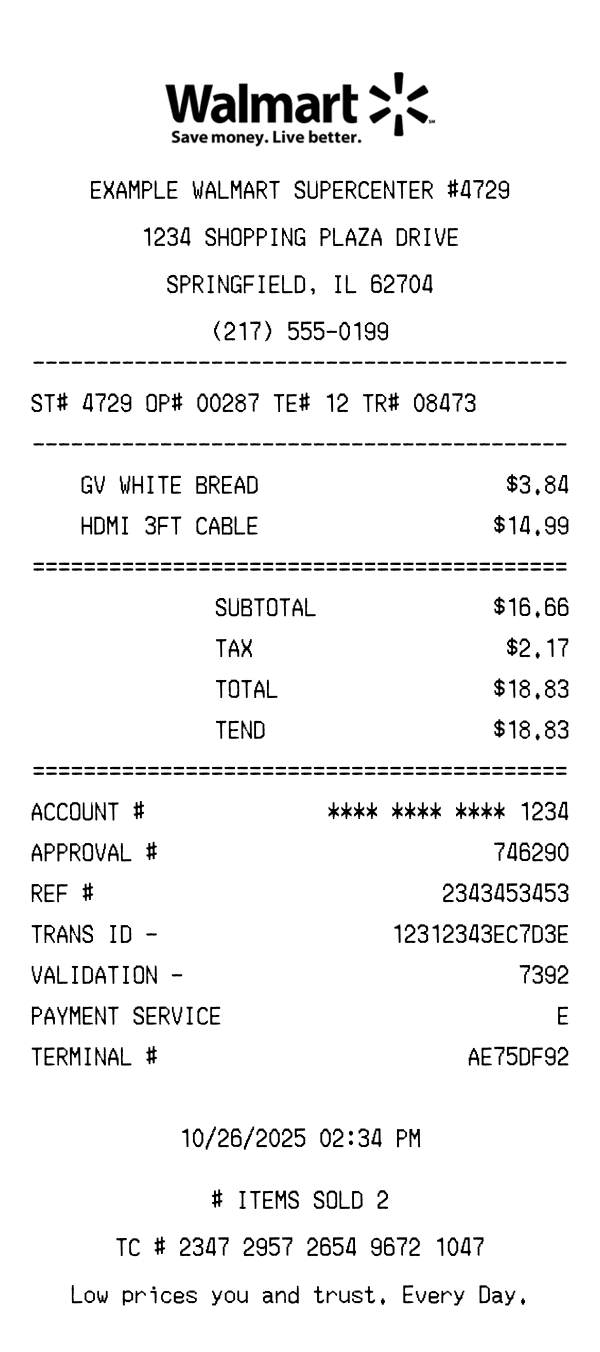
Free coffee shop receipt template with realistic formatting, including drink orders with modifications, food items, tips, and payment details. Use it for mockups, testing, portfolios, or educational projects — customize and download instantly.
Use this template as a starting point or build from scratch.
Coffee shop receipts follow a recognizable pattern across independent cafes and chains alike. They typically feature drink modifications as sub-items, order numbers for pickup, and tip lines for card payments. This template captures the standard format used by most point-of-sale systems in coffee shops and cafes.
A coffee shop receipt starts with the shop name or logo, followed by the street address, city, state, ZIP code, and phone number. Many cafes also include their website URL or social media handle. The formatting is usually center-aligned with the shop name prominently displayed at the top.
Below the header, you’ll typically find an order number (used for calling out drinks), the cashier or barista name, the register number, and the date and time. Some POS systems also include a table number for dine-in orders. The order number is the most important identifier for customers waiting for their drink.
Drinks are listed with their size (Tall, Grande, Venti, or S/M/L) and name, followed by any modifications as indented sub-items — such as “+ Oat Milk” or “+ Extra Shot.” Each modification shows its additional charge. Food items like pastries and sandwiches appear as simple line items with quantity and price. This hierarchical format makes it clear which modifications belong to which drink.
The subtotal sums all items including modifications. Tax is typically a single line showing the local sales tax rate applied. The total follows, and card payments show the card type, last four digits, and whether the card was swiped, inserted, or tapped. Many coffee shops include a tip line or show the tip amount if added at the register.
The footer usually includes a thank-you message, a loyalty program reminder (e.g., “Earn rewards with every visit!”), and sometimes a QR code linking to the shop’s app or review page. Independent coffee shops often include their Wi-Fi password or upcoming events. The footer is the most customizable section and varies widely between shops.
| Feature | Coffee Shop | Walmart | CVS |
|---|---|---|---|
| Receipt format | Thermal paper (compact) | Thermal paper (standard) | Thermal paper (extra long) |
| Item structure | Drinks + modifications as sub-items | Flat item list with dept codes | Flat item list with SKUs |
| Tip line | Yes (common) | No | No |
| Order number | Yes (for pickup) | No | No |
| Loyalty program | Varies (stamps, app-based) | Walmart+ | ExtraBucks |
See also: Walmart Receipt Template · CVS Receipt Template
Customize every detail — store info, items, prices, dates, and payment method. Download as PNG in seconds.