Explore a realistic Nike receipt featuring itemized athletic footwear and apparel, Nike Member Rewards points, and New York sales tax. Edit every field and download a free PNG of your customized Nike receipt.
Use this template as a starting point or build from scratch.
A Nike receipt documents a purchase from one of Nike's retail store locations, listing athletic footwear, apparel, and accessories with individual prices and quantities. Understanding the format of a Nike receipt is useful for expense reporting, wardrobe budgeting, returns within the 60-day window, or creating realistic mockups for design and testing purposes. This template replicates the standard thermal paper format used at Nike brick-and-mortar stores, complete with store identifiers, transaction metadata, payment details, and the Nike Member Rewards summary. Whether you're verifying a past purchase or building a prototype that requires authentic receipt formatting, this Nike receipt example covers every section you'd find on the real thing.
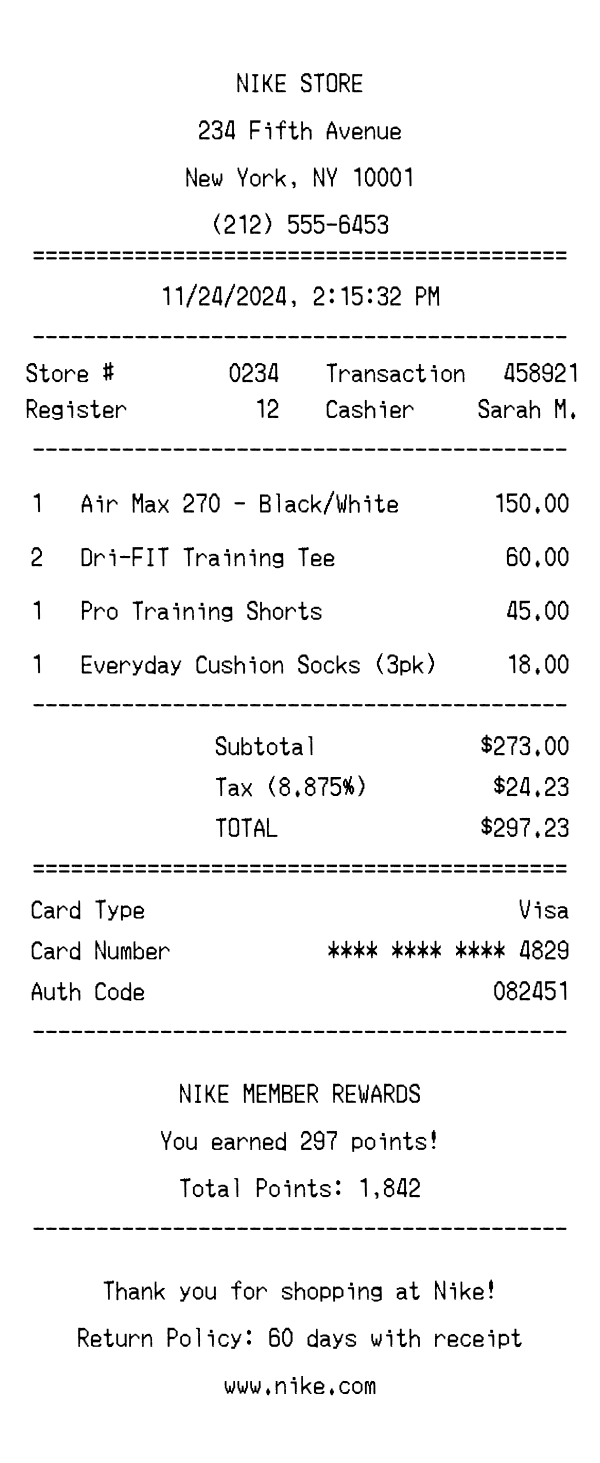
The top of a Nike receipt prominently displays 'NIKE STORE' in bold, centered text, immediately establishing the brand. Below the store name, the full street address is printed — in this example, 234 Fifth Avenue, New York, NY 10001 — followed by the store's phone number. This header block is separated from the rest of the receipt by an equals-sign divider, a common formatting choice on Nike's thermal paper receipts. Unlike some retailers that include a logo graphic, Nike store receipts rely on clean, text-based branding consistent with the brand's minimalist aesthetic.
Directly beneath the date and time stamp (printed centered, e.g., '11/24/2024, 2:15:32 PM'), Nike receipts display transaction metadata in a two-column layout. The left column includes the Store number (e.g., #0234) and Register number (e.g., 12), while the right column shows the Transaction ID (e.g., 458921) and the Cashier name (e.g., Sarah M.). These identifiers are essential for processing returns, as Nike staff use the transaction number to look up the original purchase. The section is bordered by dash dividers above and below, keeping it visually distinct from the item listing.
Nike receipts list each purchased item on its own line with the quantity on the left, the product name in the center, and the line total price on the right. Product names include specific model identifiers and colorway details — for example, 'Air Max 270 - Black/White' — making it easy to identify the exact SKU purchased. Apparel items like 'Dri-FIT Training Tee' use Nike's proprietary product naming conventions. Multi-packs such as 'Everyday Cushion Socks (3pk)' are listed as a single line item with a quantity of 1, reflecting how Nike bundles accessory products at the point of sale.
The totals section begins with a Subtotal line aggregating all item prices before tax. Tax is calculated and displayed with the exact rate — in this case 8.875%, which is the combined New York City and state sales tax rate — followed by the dollar amount. The TOTAL line is emphasized and separated by an equals-sign divider for visual prominence. Below the totals, the payment block details the card type (Visa), a masked card number showing only the last four digits (**** **** **** 4829), and an authorization code (082451). Nike does not print a separate tip line, as this is a retail transaction rather than a service environment.
The footer of a Nike receipt contains two distinct message blocks. The first highlights Nike Member Rewards, showing how many points were earned on the transaction (e.g., 297 points) and the customer's cumulative total (e.g., 1,842 points). This loyalty section encourages repeat purchases and ties into the broader Nike Membership ecosystem. Below that, a thank-you message reads 'Thank you for shopping at Nike!' followed by the return policy — 60 days with receipt — and the Nike website URL (www.nike.com). A scannable barcode at the very bottom encodes the transaction number and date, enabling quick lookups at the register for returns or exchanges.
| Feature | Nike | Apple Store | Sephora |
|---|---|---|---|
| Receipt format | Thermal paper with centered header and monospaced merchant-copy font | Digital email receipt with clean Apple design and embedded product images | Thermal paper with bold branding and Beauty Insider loyalty details |
| Product naming | Includes model name and colorway (e.g., 'Air Max 270 - Black/White') | Full product name with configuration details (e.g., storage, color) | Brand name + product name + shade or size |
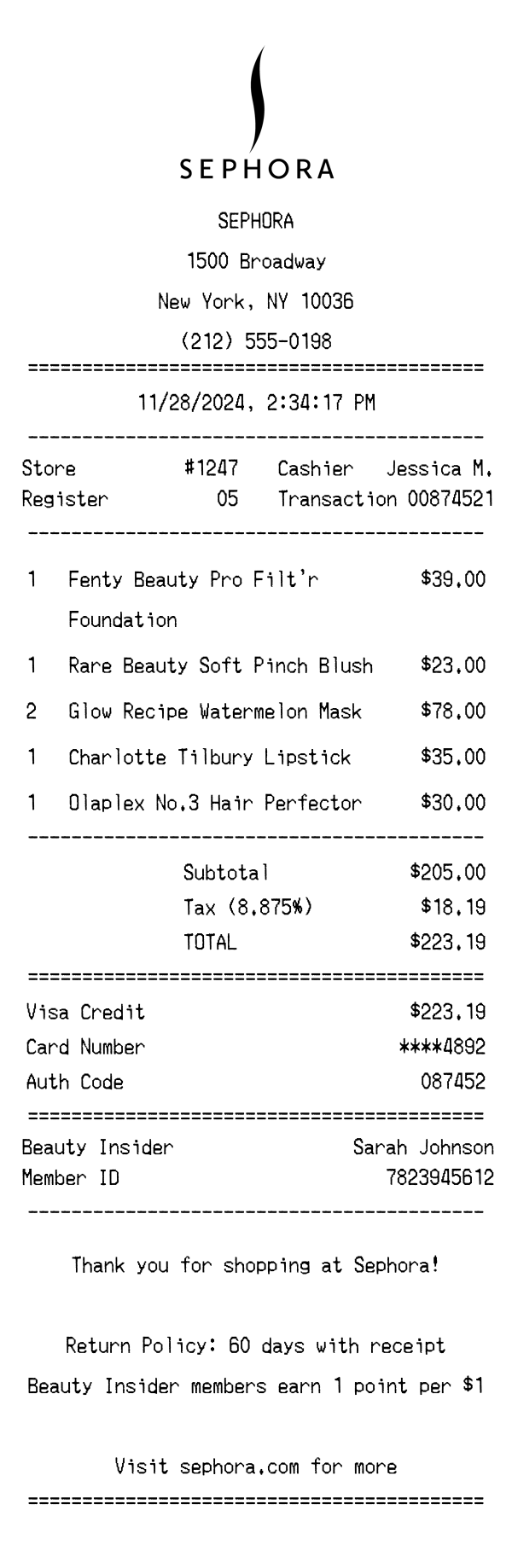
| Loyalty program | Nike Member Rewards — points earned and cumulative total printed on receipt | No traditional points-based loyalty program on receipts | Beauty Insider tier status and points balance shown |
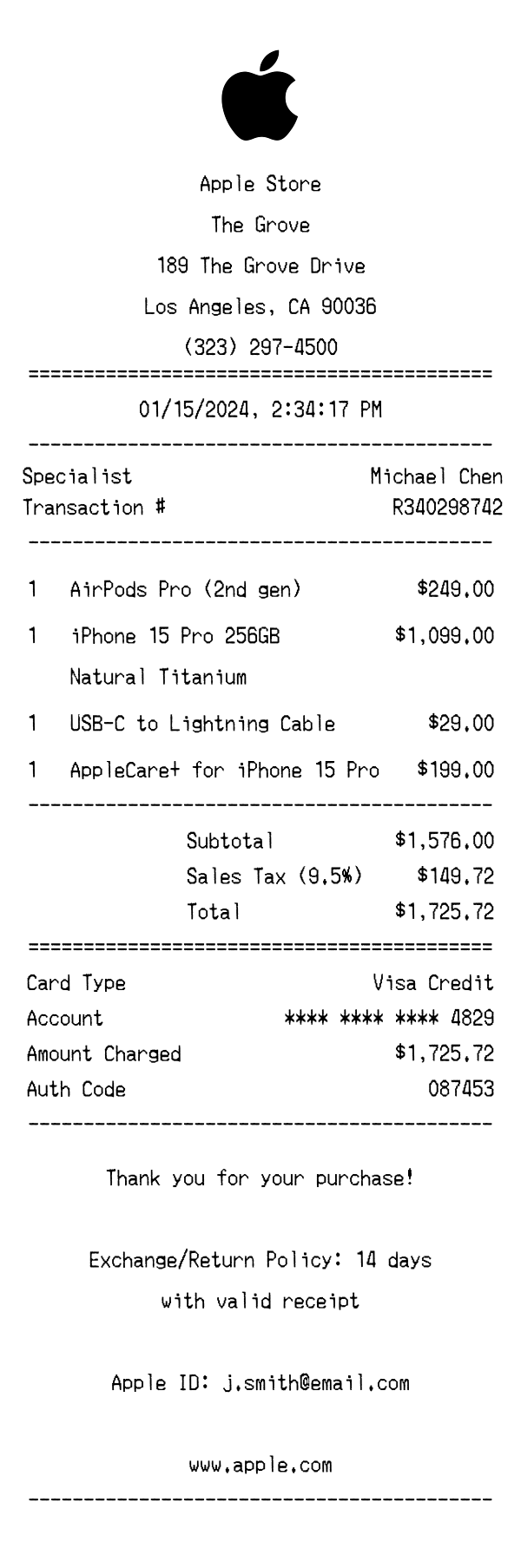
| Return policy display | 60-day return window with receipt, printed in footer | 14-day return policy noted with exceptions for opened software | 30-day return window printed with receipt required for refund |
| Tax display | Single tax line with exact rate percentage shown (e.g., 8.875%) | Tax itemized by jurisdiction, rate may or may not be shown | Single combined tax line, rate typically displayed |
See also: Apple Store Receipt Template · Sephora Receipt Template
Customize every detail — store info, items, prices, dates, and payment method. Download as PNG in seconds.