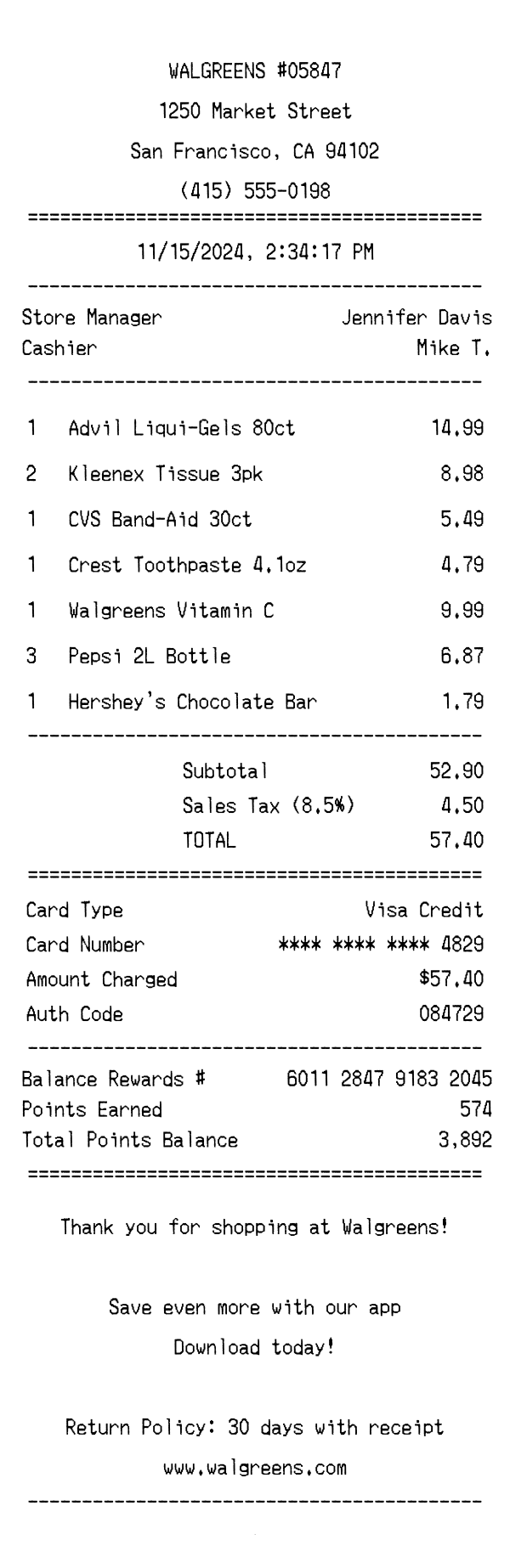
A realistic Walgreens pharmacy receipt featuring store number, cashier ID, Balance Rewards points tracking, itemized OTC and grocery lines, and a transaction barcode. Edit every field and download as a free PNG.
Use this template as a starting point or build from scratch.
Walgreens is one of the largest pharmacy and drugstore chains in the United States, operating thousands of locations that sell prescription medications, over-the-counter health products, personal care items, groceries, and household goods. A Walgreens receipt captures a wide mix of product categories in a single transaction, from Advil and vitamins to beverages and candy bars. Understanding the layout of a Walgreens receipt is useful for expense reporting, insurance reimbursement for health-related purchases, budgeting, and creating realistic design mockups. This template replicates the standard Walgreens thermal receipt format, including the Balance Rewards loyalty section that distinguishes it from generic retail receipts.
The top of a Walgreens receipt displays the store name along with a five-digit store number (e.g., WALGREENS #05847), which uniquely identifies the location within the chain. Below that, the full street address, city, state, and ZIP code are printed, followed by the store's phone number. This header block is center-aligned, which is consistent with Walgreens' standard receipt formatting. The store number is especially important for returns and customer service inquiries, as Walgreens associates use it to look up transactions across their system.
Walgreens receipts include several metadata fields that identify the transaction. The store manager's name is printed near the top, along with the cashier's name or initials (e.g., 'Mike T.'). A register number indicates which POS terminal processed the sale. The transaction number follows a hyphenated format like 0847-2341-8976, which encodes the store, register, and sequential transaction identifiers. The date and time are center-aligned and printed in MM/DD/YYYY format with a 12-hour timestamp, providing a precise record of when the purchase occurred.
Items on a Walgreens receipt are listed with a quantity, product description, and line total. Product names typically include brand, product type, and size or count — for example, 'Advil Liqui-Gels 80ct' or 'Crest Toothpaste 4.1oz.' When multiple units are purchased, the quantity is shown (e.g., '2' for a Kleenex 3-pack or '3' for Pepsi bottles), and the line price reflects the total for that quantity. Walgreens carries its own store-brand products, which appear with the 'Walgreens' prefix, such as 'Walgreens Vitamin C.' Items are not grouped by department on the standard receipt, appearing instead in the order they were scanned.
The totals section starts with a subtotal of all items before tax. Sales tax is calculated at the local rate — in this San Francisco example, 8.5% — and displayed as a separate line with the percentage noted. The total combines the subtotal and tax into the final amount due. The payment section specifies the card type (e.g., Visa Credit), a masked card number showing only the last four digits, the exact amount charged, and an authorization code from the card processor. This level of payment detail is standard for Walgreens and helps with expense reconciliation and dispute resolution.
After the payment details, Walgreens receipts include a Balance Rewards section that shows the customer's loyalty card number, points earned from the current transaction (typically 10 points per dollar), and the running total points balance. This rewards tracking is a distinctive feature of Walgreens receipts. The footer prints a centered thank-you message, a prompt to download the Walgreens app for additional savings, and the return policy — 30 days with receipt. The store's website URL is also included. At the very bottom, a scannable barcode encodes the transaction number, allowing associates to quickly pull up the receipt for returns or exchanges.
| Feature | Walgreens | CVS Pharmacy | Target |
|---|---|---|---|
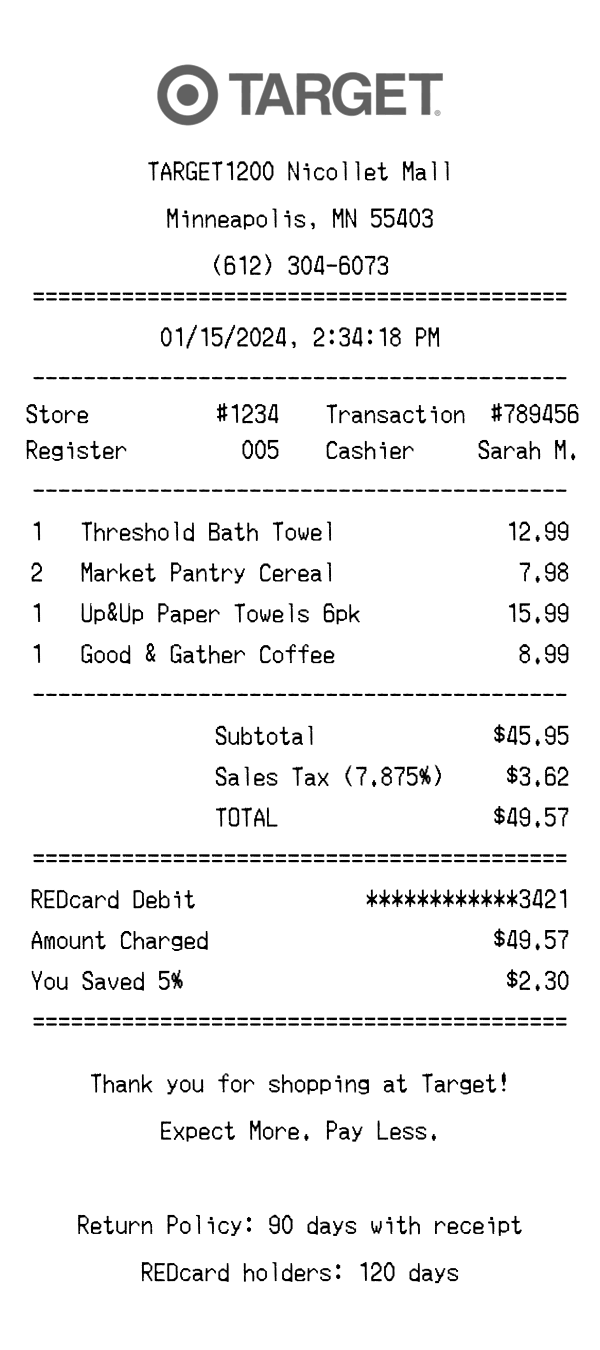
| Store identification | Store name with 5-digit store number (e.g., #05847) | Store name with store number and district info | Store name with 4-digit store number and city/state |
| Loyalty program | Balance Rewards with points earned and running balance | ExtraCare card with ExtraBucks rewards and coupons | Target Circle with percentage-based earnings and offers |
| Item descriptions | Brand, product name, and size/count (e.g., 'Advil Liqui-Gels 80ct') | SKU number with abbreviated product description | Product description with DPCI department code |
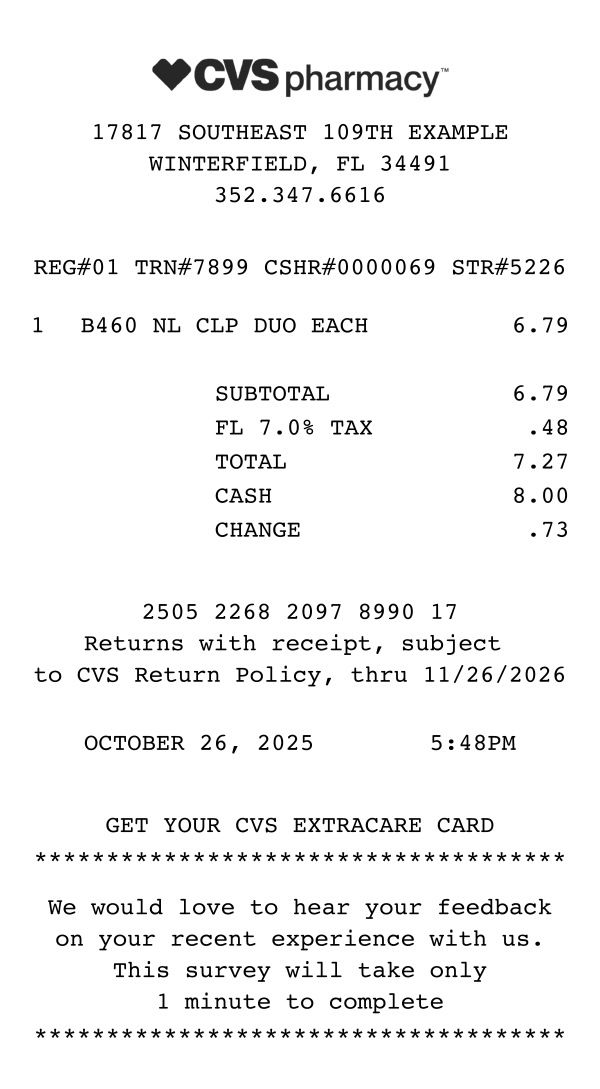
| Receipt length | Moderate length with rewards summary at the bottom | Notoriously long due to printed ExtraBucks coupons | Moderate length with Circle savings summary |
| Footer content | App download prompt, 30-day return policy, website URL, barcode | Multiple coupon printouts, survey invitation, return policy | Guest survey link, return policy, REDcard promotion |
See also: CVS Pharmacy Receipt Template · Target Receipt Template
Customize every detail — store info, items, prices, dates, and payment method. Download as PNG in seconds.