Explore a realistic Foot Locker receipt featuring itemized sneaker and apparel lines with SKU numbers, sizing details, FLX rewards points tracking, and a 45-day return policy. Edit every field and download as a free PNG.
Use this template as a starting point or build from scratch.
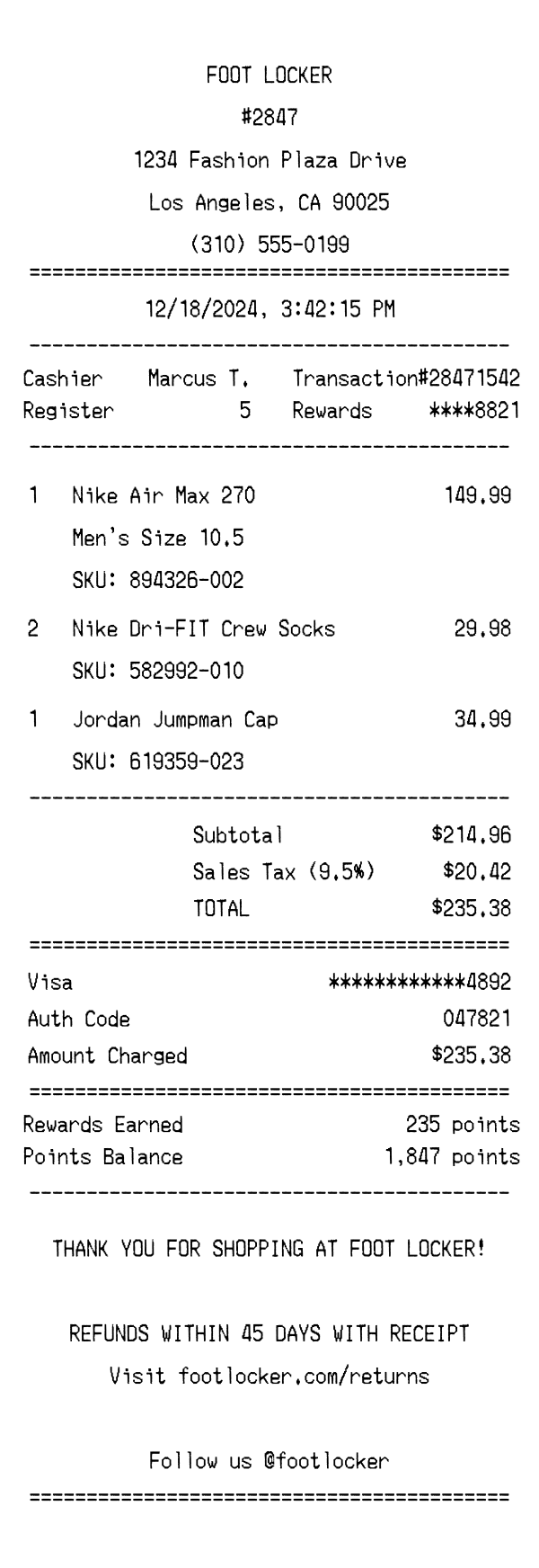
A Foot Locker receipt is a thermal paper transaction record issued at any of the chain's retail locations after purchasing athletic footwear, apparel, and accessories. The receipt documents each item with detailed product descriptions including shoe sizing and SKU numbers — critical details for returns and exchanges within the 45-day window. Understanding the Foot Locker receipt format is useful for expense reporting, warranty documentation, sneaker resale verification, and design mockups. This template replicates the standard layout used across Foot Locker's U.S. stores, making it ideal for testing receipt-scanning software or creating realistic prototypes.
The top of a Foot Locker receipt prominently displays the FOOT LOCKER brand name in bold, centered text. Directly below is the store number (e.g., #2847), which uniquely identifies the retail location within the chain. The full street address, city, state, and ZIP code follow, along with the store's direct phone number. This header block is separated from the rest of the receipt by an equals-sign divider, a common formatting choice on Foot Locker thermal receipts.
Below the header, the receipt prints the transaction date and time in a standard MM/DD/YYYY format with a 12-hour timestamp. A two-column metadata section follows, listing the cashier's name (first name and last initial), the register number, and a unique transaction number prefixed with a hash symbol. Foot Locker receipts also display the customer's FLX rewards membership number in a masked format (e.g., ****8821) to confirm that loyalty points were applied to the purchase. This section is bounded by dashed-line dividers on both sides.
Each purchased item appears as a separate line entry with quantity, product name, and price. Foot Locker receipts are notably detailed in their item descriptions — footwear entries include the brand, model name, gender category, and exact shoe size on a second line (e.g., 'Men's Size 10.5'). A third line displays the SKU number, which is essential for returns, exchanges, and inventory lookups. Apparel and accessories like socks or caps follow a similar format but typically omit sizing on multi-pack items. Multi-quantity items show the total combined price rather than a per-unit breakdown.
The totals section begins with a subtotal of all items before tax. Foot Locker applies the local sales tax rate — in this case 9.5% for Los Angeles, California — displayed as a clearly labeled line item. The TOTAL line shows the final amount charged. Payment details follow, specifying the card type (Visa), a masked card number showing only the last four digits, an authorization code for the transaction, and the exact amount charged. An equals-sign divider separates the payment block from the rewards summary.
After the payment section, a Foot Locker receipt displays FLX rewards information including points earned on the current transaction and the customer's updated total points balance. The closing message thanks the customer and states the 45-day return policy with receipt requirement. A URL directing customers to footlocker.com/returns provides online return instructions. The receipt also includes a social media handle (@footlocker) encouraging customers to follow the brand. At the very bottom, a barcode encodes the transaction number for quick scanning during returns or exchanges.
| Feature | Foot Locker | Nike | StockX |
|---|---|---|---|
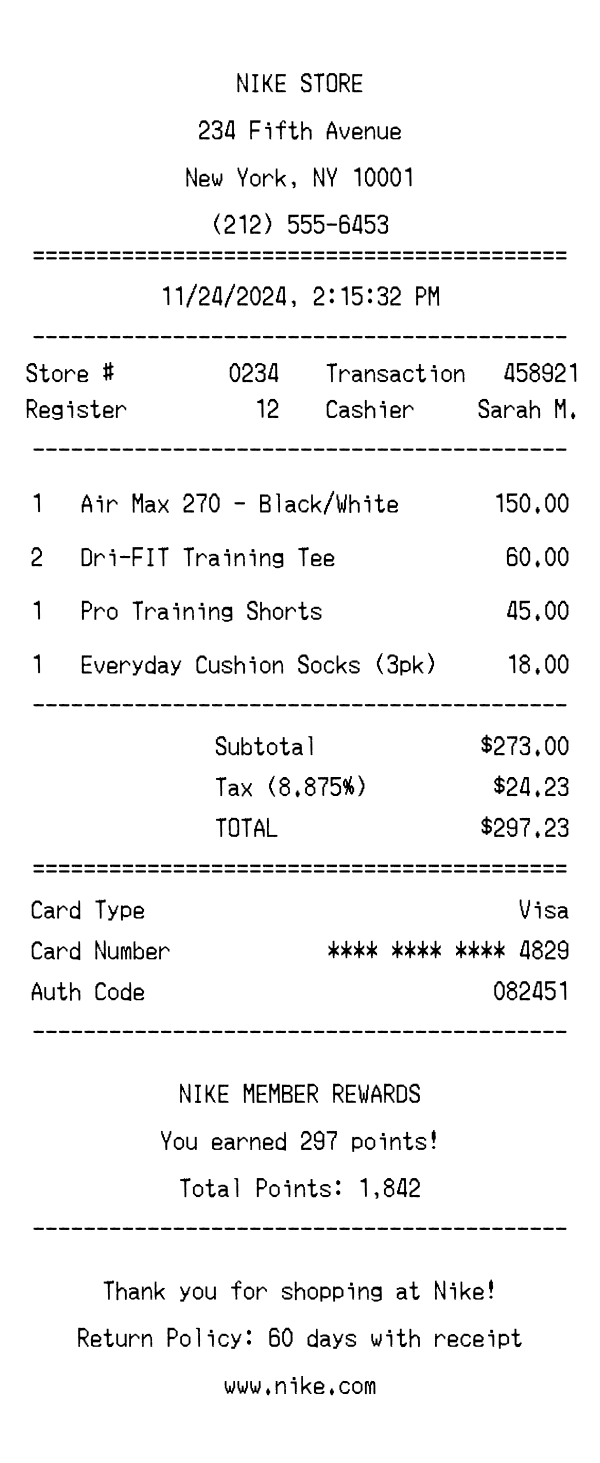
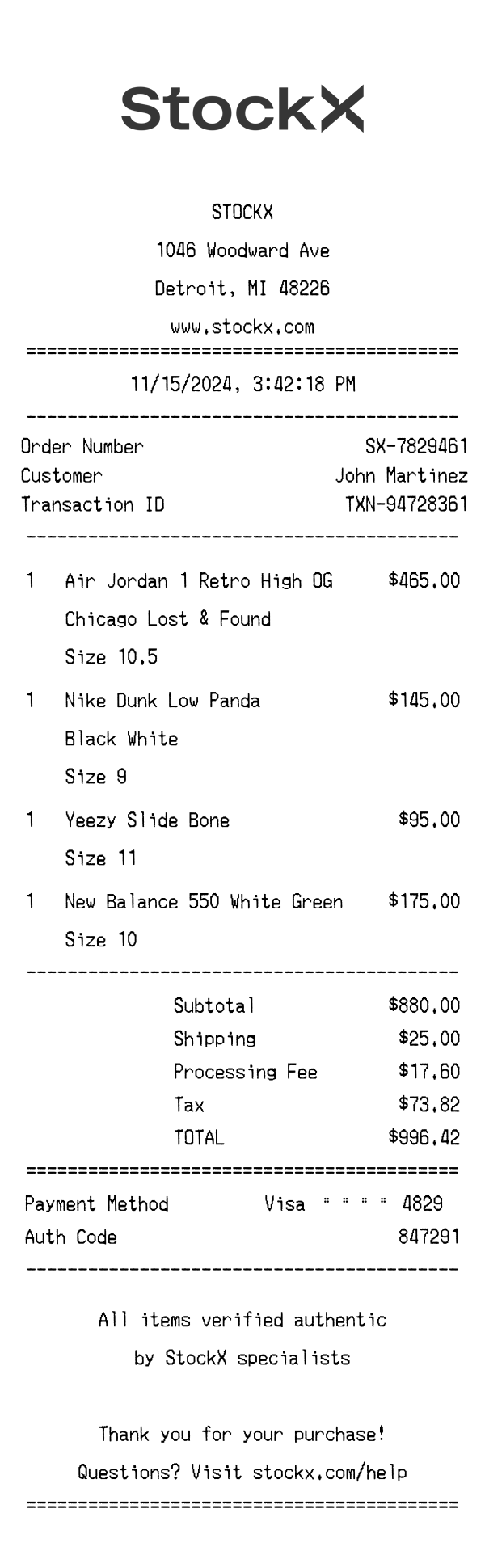
| Receipt format | Thermal paper receipt from in-store purchase with barcode | Thermal paper or digital receipt from Nike retail stores | Digital receipt/order confirmation from online marketplace |
| Item detail level | Brand, model, size, gender, and SKU on separate lines | Product name, style/color code, and size | Product name, size, condition (new), and order number |
| Loyalty program | FLX Rewards with points earned and balance displayed | Nike Membership with member pricing and benefits | No loyalty program — marketplace model |
| Return policy shown | 45 days with receipt, return URL printed on receipt | 60-day return window noted on receipt | All sales final — no returns after authentication |
| Tax display | Local sales tax rate shown as percentage (e.g., 9.5%) | State/local tax calculated and displayed | Sales tax and processing fee as separate line items |
See also: Nike Receipt Template · StockX Receipt Template
Customize every detail — store info, items, prices, dates, and payment method. Download as PNG in seconds.