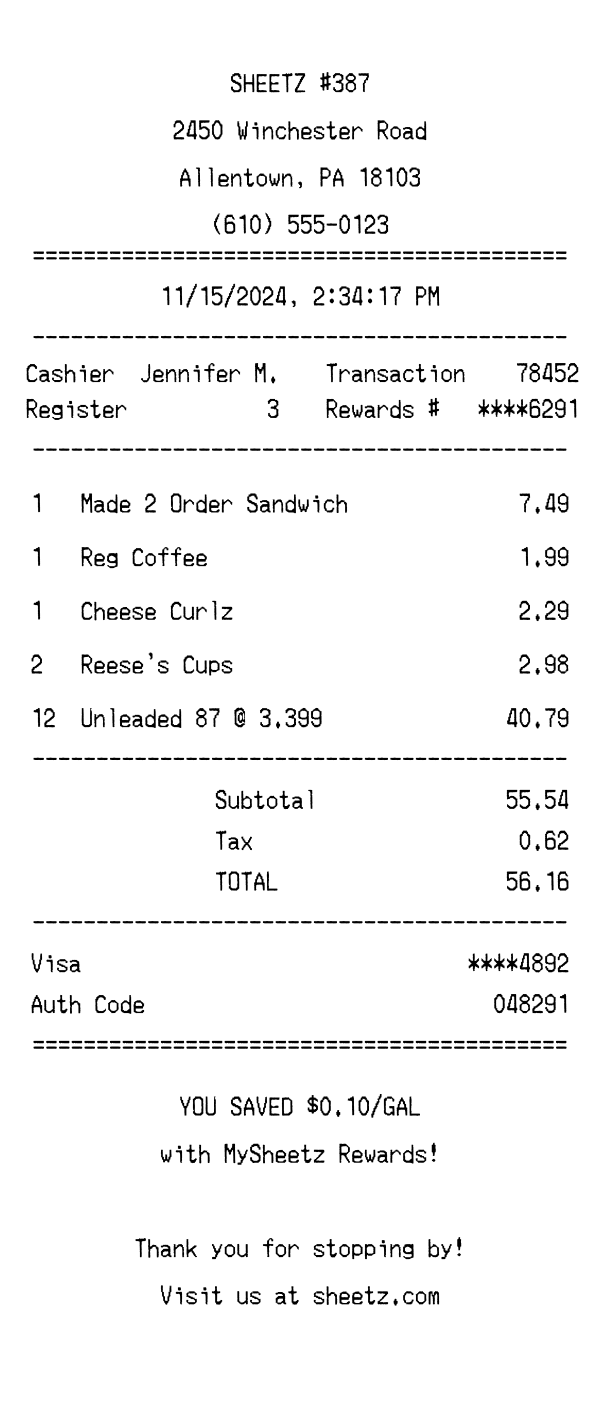
A realistic Sheetz receipt featuring Made-to-Order food items, fuel purchases with per-gallon pricing, MySheetz Rewards savings, and Visa card payment details. Edit every field and download a free PNG.
Use this template as a starting point or build from scratch.
A Sheetz receipt documents purchases from one of the largest family-owned convenience store and gas station chains in the Mid-Atlantic United States. Sheetz locations function as both fuel stations and made-to-order food restaurants, so a single receipt can combine gasoline purchases with deli sandwiches, coffee, and snack items. Understanding the Sheetz receipt format is useful for expense reporting (especially separating fuel costs from food), budget tracking, and creating realistic mockups for app development or design projects. This template captures the distinctive layout of a Sheetz thermal receipt, including the store number, MySheetz Rewards integration, and the per-gallon fuel pricing breakdown.
The top of a Sheetz receipt displays the store name in bold followed by the specific location number (e.g., SHEETZ #387), which identifies the exact store within the chain's 700+ locations. Below the store identifier, the full street address, city, state, and ZIP code are printed, followed by the store's phone number. The header is center-aligned and separated from the rest of the receipt by a double-line (equals sign) divider, giving it a clean and recognizable look common across all Sheetz locations.
Transaction metadata on a Sheetz receipt is organized in a two-column layout for efficient use of space. The left column shows the cashier name (first name and last initial) and the register number, while the right column displays the transaction number and the customer's MySheetz Rewards card number, partially masked for security (e.g., ****6291). The date and time stamp is printed on its own centered line above this section, showing the full date, time, and AM/PM designation down to the second.
Sheetz receipts list items with quantity on the left, item description in the center, and total price on the right. Made-to-order food items from Sheetz's touchscreen ordering system appear as 'Made 2 Order Sandwich' or similar shorthand descriptions. Fuel purchases include the number of gallons, fuel grade (e.g., Unleaded 87), and the price per gallon using the '@ 3.399' notation common at gas stations. Convenience store items like snacks, candy, and beverages are listed with their standard product names and quantities when more than one is purchased.
The totals section on a Sheetz receipt starts with the subtotal of all items, followed by applicable sales tax. In Pennsylvania, where this template is set, fuel is taxed differently than food and convenience items, so the tax line may reflect only the taxable non-fuel portion. The total is displayed prominently, and the payment section below shows the card type (e.g., Visa), the last four digits of the card number, and an authorization code. The payment block is separated by a double-line divider, making it easy to identify for reimbursement purposes.
The footer of a Sheetz receipt highlights MySheetz Rewards savings, showing the per-gallon fuel discount earned through the loyalty program (e.g., 'YOU SAVED $0.10/GAL with MySheetz Rewards!'). Below the rewards message, a friendly thank-you note reads 'Thank you for stopping by!' along with a URL directing customers to sheetz.com. A barcode is printed at the very bottom encoding the transaction and store numbers, which can be scanned for returns or loyalty point verification.
| Feature | Sheetz | QuikTrip | 7-Eleven |
|---|---|---|---|
| Store type | Convenience store, gas station & made-to-order restaurant | Convenience store & gas station | Convenience store (select locations with fuel) |
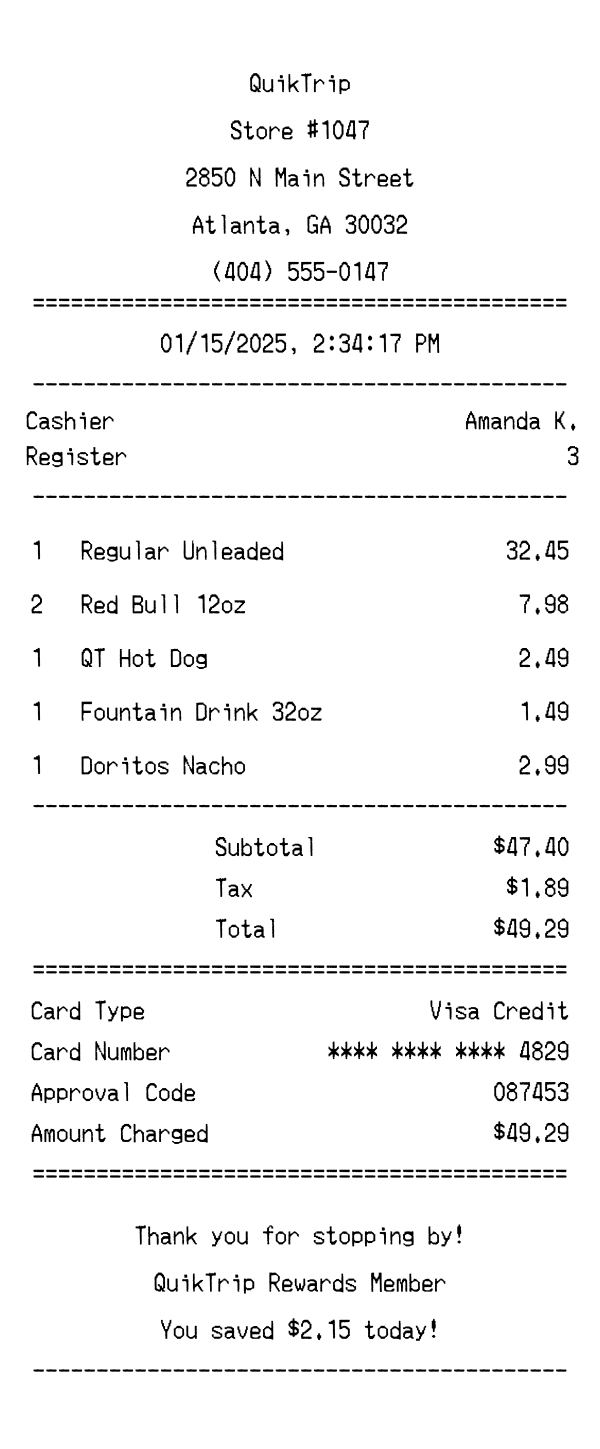
| Fuel line format | Gallons, grade, and per-gallon price (e.g., '12 Unleaded 87 @ 3.399') | Gallons and per-gallon price with fuel grade | Fuel purchases may appear on separate fuel receipt |
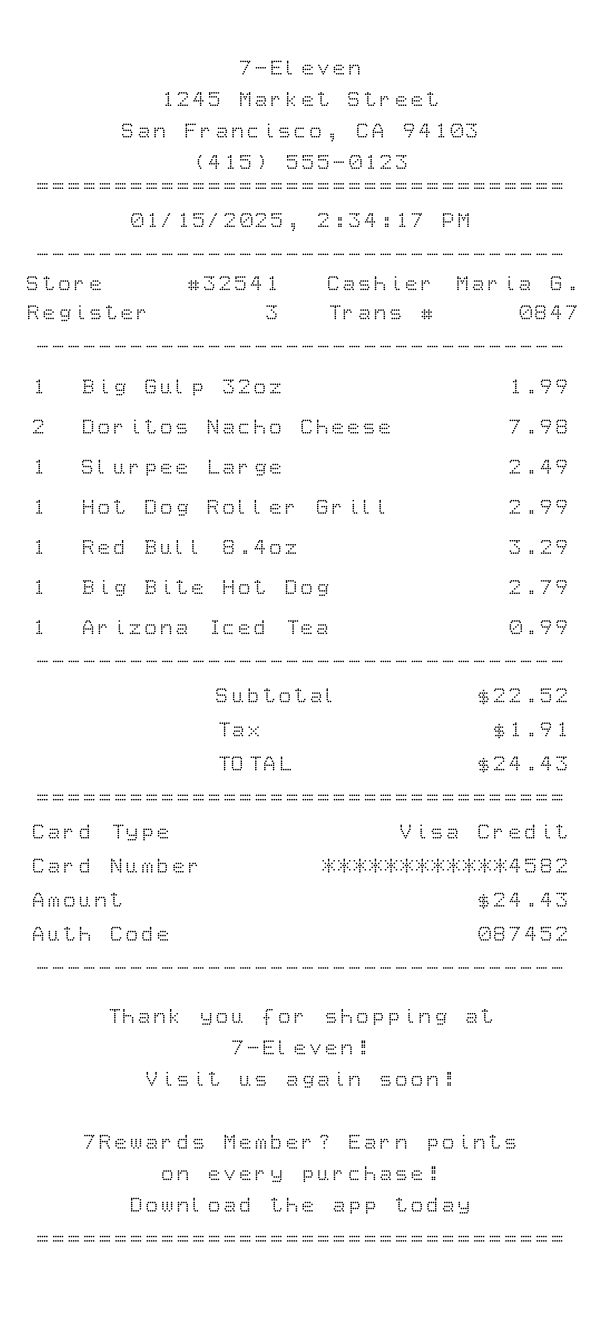
| Loyalty program | MySheetz Rewards with per-gallon fuel discount displayed in footer | QT Kitchens rewards and fuel savings | 7REWARDS points program with point balance on receipt |
| Food items | Made-to-order items labeled 'Made 2 Order' from touchscreen kiosk | QT Kitchens prepared food items | Pre-packaged and hot food items with standard names |
| Receipt footer | Rewards savings summary, thank-you message, website URL, and barcode | Survey invitation, store website, and barcode | 7REWARDS balance, promotional messages, and barcode |
See also: QuikTrip Receipt Template · 7-Eleven Receipt Template
Customize every detail — store info, items, prices, dates, and payment method. Download as PNG in seconds.